

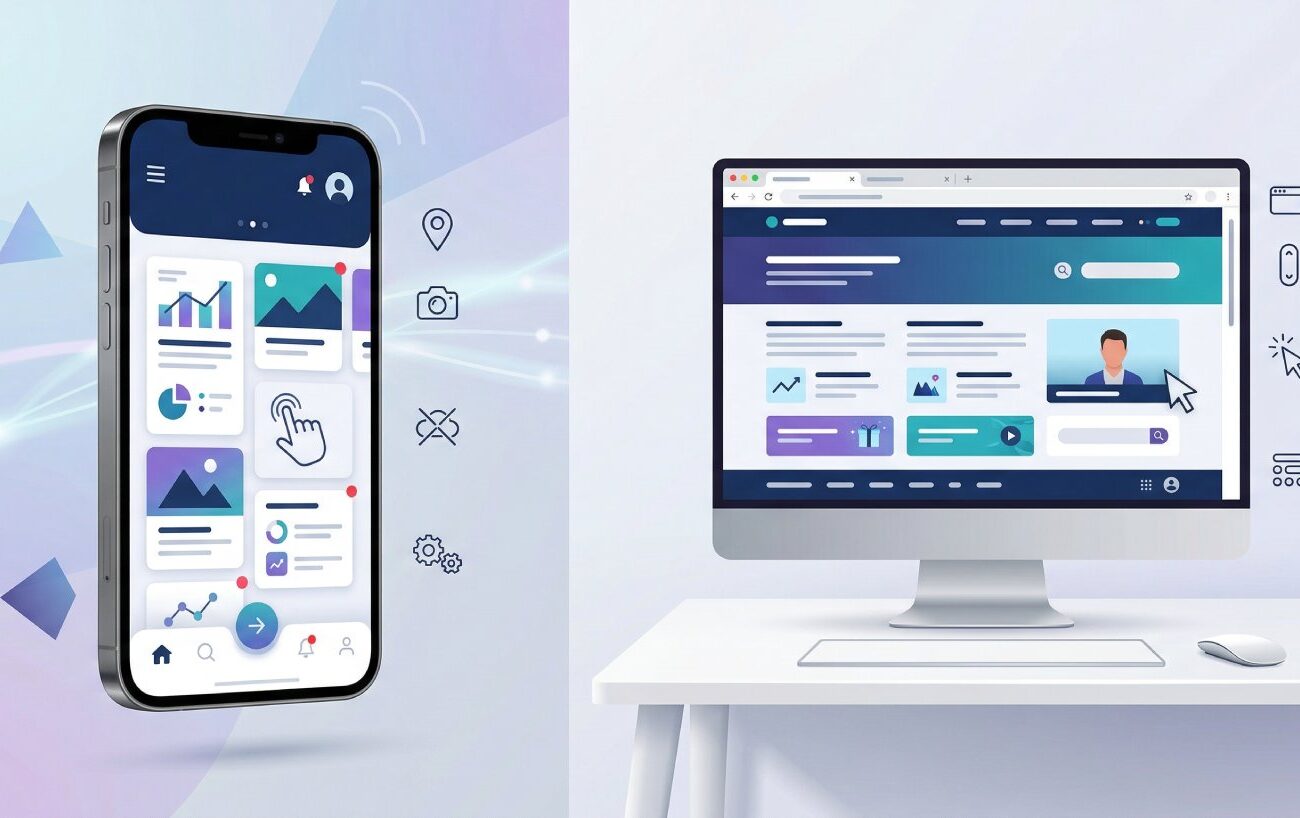
Mobile App vs Website: When Does Your Business Need an App?
A lot of digital projects start with a deceptively simple question: should we build an app, a site, or both? The reason this decision feels hard is that it’s not only a design or engineering choice—it’s a distribution choice (how people find you), a behavior choice (how often people use you), and an operations choice (how frequently you can update without friction). That’s why the debate around mobile app vs website remains so common in business planning.
From a search and discovery standpoint, the web is still the most universal layer: a link is shareable, indexable, and device-agnostic. Google has explicitly documented that it primarily uses the mobile version of a site’s content for indexing and ranking (mobile-first indexing), which raises the stakes for getting the mobile website experience right.
From a retention and “repeat usage” standpoint, mobile apps can create an always-available presence on the home screen, plus deeper operating-system integrations—especially around notifications and device features. At the same time, apps come with platform governance: store policies, review processes, and more structured release management than most websites.
This article is written for Ucheed readers and follows an educational lens: definitions, trade-offs, and decision criteria you can apply to your own roadmap. Ucheed publishes a broad suite of digital services (web, mobile, e-commerce, and more), so the most useful guidance is the kind that helps you choose the right delivery model for your users—not the trendiest one.
Understanding the difference between mobile app and website
Before you can decide mobile app vs. website, you need to define what you mean by “app” and “website,” because teams often mix multiple categories into one comparison. The difference between mobile app and website is not only “installed vs not installed.” It includes distribution, capabilities, update mechanics, and the user’s expectations about what will happen when they tap an icon.
A website is delivered through the browser and accessed by URL. A key modern baseline is a “responsive website,” meaning the layout adapts across screen sizes using design and engineering patterns such as fluid grids and media queries—popularized as responsive web design. In real conversations about mobile app vs responsive website, this matters because a truly high-quality responsive site can meet the needs of many businesses without creating “download friction.”
A mobile app (in most business contexts) means a platform-specific application distributed through app stores and installed on the device. That distribution model is not neutral: Apple maintains App Store Review Guidelines and reviews apps and updates submitted to App Store Connect, and Google provides a structured “prepare for review” workflow for Play submissions. Those requirements shape timelines, QA, privacy disclosures, and release planning—so they are part of the difference between mobile app and website in practice.
Then there is the middle ground: progressive web apps (PWAs). The web platform has evolved to support experiences that feel “app-like” while still running in a browser. MDN describes a PWA as built with web technologies but providing an experience similar to a platform-specific app: it can be installable, can work offline and in the background, and can integrate with device capabilities (within platform limits). Web.dev also emphasizes that a PWA can be installable and reach many devices from a single codebase. This middle ground often changes the framing of mobile app vs. website because it introduces a third option.
One concrete PWA capability is offline resilience. MDN explains that offline operation is enabled by adding a service worker; service workers can take control of network requests, serve cached responses, and improve reliability under weak connectivity. This is a practical consideration in mobile app vs responsive website decisions for users who travel, work in the field, or operate in low-signal environments.
So the difference between a mobile app and a website can be summarized this way: websites are optimized for reach and instant access; apps are optimized for repeat usage and deeper device integration; PWAs aim to combine parts of both, but with platform constraints that you must plan for.
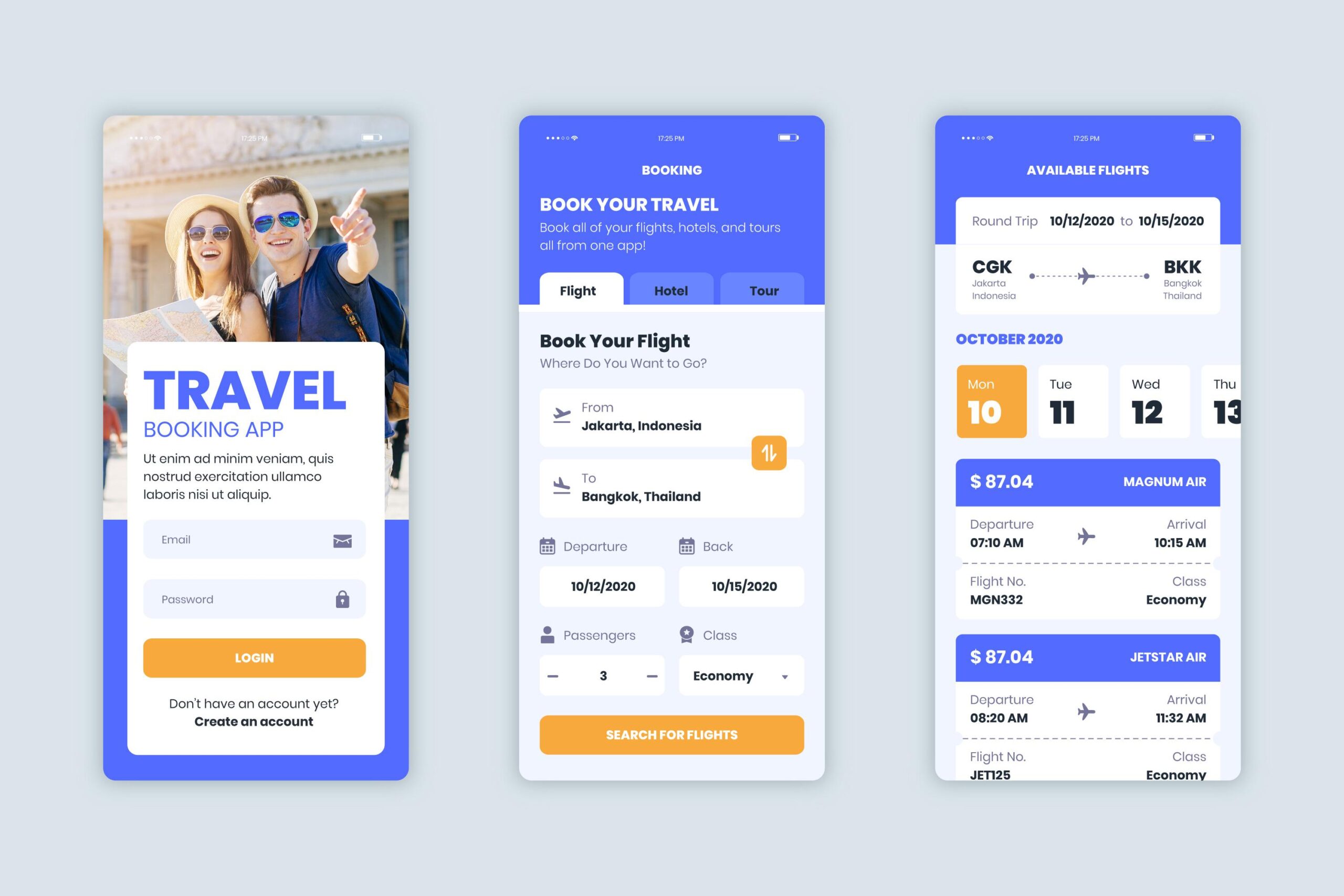
Mobile app vs website for business decision factors
If you’ve ever asked “mobile app vs website which is better?” you’ve asked a natural question—but it’s incomplete. Better for acquisition, better for retention, better for time-to-market, or better for long-term cost of ownership? The more actionable framing is: in this mobile app vs website for business scenario, what user behavior are we trying to optimize?
A framework that works across industries is to evaluate five decision factors. Put simply, these factors determine when to build a mobile app vs website.
- Use frequency and urgency. If a user needs your product once in a while—reading content, checking hours, browsing services—a mobile-optimized website usually wins because it’s one tap away through search, social, or a saved link. If a user needs the product daily or weekly, speed of access matters, and a mobile app may reduce friction because it can be launched from the home screen with fewer steps. This frequency test is often the fastest way to clarify mobile app vs website for business decisions.
- Device capability requirements. If your experience depends on device features (camera capture, location routing, background processing), an app is often simpler to deliver reliably across OS versions. Android’s documentation shows how sensitive data and restricted actions are governed by permission types, including runtime permissions that must be requested at the moment of use—so your UX must be designed around trust and transparency. The more “device-dependent” your product, the more likely it is that when to build a mobile app vs website points toward app-first or app-plus-web.
- Re-engagement and notifications. Many teams assume notifications automatically decide mobile app vs website which is better, but it’s more nuanced. PWAs can use Push and Notifications APIs (with service workers) in supporting environments. Apple’s WebKit and Safari release notes explain that iOS and iPadOS added support for Web Push notifications for web apps saved to the home screen—meaning the user must install the PWA to receive web push. Practically, that means push can be a web strategy, but it still requires you to plan the “install moment.”
- Acquisition channel realities (especially SEO). If organic search is a major acquisition engine for your category, the web remains the foundation. Google’s documentation states that mobile-first indexing uses the mobile version of content for indexing and ranking. Google also documents that Core Web Vitals are used by ranking systems and recommends achieving good Core Web Vitals as part of success with Search and overall user experience. This is why the mobile app vs website for business question often starts with “fix and strengthen the mobile site,” even when an app is on the roadmap.
- Operational capacity for governance and releases. Shipping an app means managing store rules, review cycles, and publishing workflows. Apple states it reviews apps and app updates; Google provides preparation guidance for review and publishing. Those steps can slow rapid experimentation compared with most web deployments, which can ship instantly when your pipeline ships. That’s why “ownership” is part of mobile app vs website which is better—and a major indicator of when to build a mobile app vs website.
At this point, many teams find the answer to mobile app vs. website is “start with a website, then add an app when user behavior justifies it.” That is not a rule; it’s a pattern that appears because the web is often faster for learning, while apps can be better for high-frequency workflows and re-engagement. It’s also where benefits of mobile apps for businesses become relevant: the app should earn its place by improving measurable outcomes for repeat users.
Mobile app vs website pros and cons across reach and retention
Lists of mobile app vs website pros and cons are everywhere, but they often skip what matters most: what changes in your day-to-day operations and your users’ behavior. A grounded comparison looks at reach, capability, iteration speed, and trust.
- Reach and accessibility. A website can serve anyone with a browser and a link. That makes the web strong for discovery and cross-device access—including desktop users. Accessibility expectations also span both modalities: W3C provides guidance on applying WCAG 2.2 success criteria to mobile applications (including native apps, mobile web apps, and hybrids), reinforcing that accessibility is a responsibility regardless of whether you choose app or web. This matters when you weigh mobile app vs website pros and cons, because “we’ll build an app” doesn’t remove accessibility obligations.
- Governance and trust gates. App stores introduce review requirements. Apple’s App Store Review Guidelines organize expectations around safety, performance, business, design, and legal areas, and Apple’s App Review documentation notes it reviews apps and app updates submitted for distribution. Google’s Play guidance for preparing an app for review highlights requirements like adding a privacy policy and describing sensitive permissions. These gatekeepers can increase user trust, but they also increase release management work—an important point in mobile app vs website pros and cons.
- Capabilities and device integrations. This is where mobile app advantages over website often show up in concrete form: deeper OS integrations, more predictable access to device features, and richer background behaviors. But capability comes with risk. OWASP’s Mobile Top 10 (final release 2024) lists major categories of mobile risks such as insecure data storage, insecure communication, and insufficient cryptography, which is a useful reminder that mobile capabilities increase the need for security engineering and testing.
- Speed of iteration. Websites usually change faster: deploy and the next page load gets the update. Apps often require store submissions for updates, and users may not update immediately. Apple explicitly reviews app updates, and Google provides publishing guidance that encourages you to submit changes long before your intended release date to keep control over timing. In practice, this “iteration latency” is a major part of mobile app vs. website pros and cons for teams that rely on fast experimentation.
- Where attention already is. Mobile apps dominate a large share of mobile attention. Sensor Tower’s State of Mobile reporting highlights trillions of hours spent in mobile apps over a year, which helps explain why many businesses invest in app experiences for retention. Still, attention patterns should inform strategy, not dictate it: in many categories, the website remains the first point of contact and the simplest path to conversion for a new user.
A practical way to use mobile app vs. website pros and cons is to separate two decisions: (1) acquisition and discovery (usually web-led) and (2) repeat usage and retention (where apps or PWAs may add leverage). This framing also helps reconcile the debate, because many businesses do not need to choose one forever—they can sequence investments based on user behavior.

Mobile app vs responsive website and the role of PWAs
Many “app debates” are really “mobile experience debates.” That’s why the keyword mobile app vs responsive website is useful: it pulls attention back to the baseline question, “Is the mobile website good enough to meet the user need?” Because mobile-first indexing uses the mobile version for ranking and indexing, the mobile website isn’t optional—it’s foundational.
Responsive design is the design baseline, but PWAs offer functional expansion. Web.dev describes a PWA as a web app that uses progressive enhancement to provide a more reliable and integrated experience and can be installed. MDN adds that PWAs can be installed, can operate offline and in the background, and can integrate with device capabilities. That’s why a PWA can materially change a mobile app vs. responsive website conversation: you can deliver “app-like” patterns without committing to a full app-store release on day one.
Offline is one of the clearest “app-like” outcomes. MDN’s guidance explains that offline operation is enabled by adding a service worker, and service workers can do more than offline (including handling notifications) because they can take control over network requests and cached responses. If your users routinely face intermittent connectivity, PWA architecture can narrow the functionality gap in mobile app vs. responsive website comparisons.
Notifications require more careful interpretation. MDN shows how Push and Notifications APIs work together through service workers. Apple’s WebKit blog and Safari 16.4 release notes explain that iOS/iPadOS support Web Push for web apps saved to the home screen, which means users must “add to home screen” for web push. This is a key detail in any mobile app vs. responsive website plan that depends on notifications: you’re still designing for adoption and “installation,” just through a different pathway.
To keep the comparison practical, it helps to state the two sides explicitly.
- The mobile app advantages over website typically include tighter OS integration, more consistent push notification experiences, and greater control over performance and device features—especially for high-frequency workflows.
- The website advantages over mobile app typically include instant access (no downloads), SEO-driven discovery, faster iteration, and broad device reach from a single URL-based experience—especially when implemented as a high-performing responsive site. Google’s guidance on page experience and Core Web Vitals emphasizes optimizing user experience signals that can matter for Search success.
This is where the debate becomes less binary: PWAs can deliver “some of the mobile app advantages over website,” while still carrying “many of the website advantages over mobile app.” But because platform support differs, you still need to validate what your audiences’ devices and browsers can do—and whether the PWA install step is realistic for your product.
Website vs mobile app development cost and ongoing ownership
Searches for website vs mobile app development cost are really searches for predictability: leaders want to know what they’re committing to beyond launch day. The most stable way to think about website vs mobile app development cost is not as one price tag, but as a set of cost drivers across build, launch, and ongoing ownership.
- Build scope and complexity. The biggest driver is functionality: data model, integrations, user roles, payments, performance requirements, and edge cases. Mobile apps typically introduce two additional complexity layers: platform differences (iOS vs Android behavior) and app-store readiness (screenshots, privacy disclosures, review prep). Even if you use a cross-platform framework, you still have to test across devices and OS versions, which affects QA planning. React Native, for example, positions itself as a way to create apps for Android and iOS using React, which is one reason teams explore cross-platform development for efficiency.
- Launch requirements and platform fees. Websites do not require app-store enrollment. Apps often do. Apple states that the Apple Developer Program is 99 USD per membership year, and Google states there is a US$25 one-time registration fee for a Play developer account. Separately, you have process: Apple reviews submitted apps and app updates, and Google’s “prepare for review” guidance requires items like a privacy policy and details about sensitive permissions. All of this is part of the real-world website vs mobile app development cost conversation, even if these fees are not the largest line item.
- Ongoing releases and maintenance velocity. Websites update when you deploy. Apps update when you release, pass review (as applicable), and the user upgrades. Google’s publishing guidance reinforces scheduling and submission planning. This affects how you run A/B tests, how quickly you fix production bugs, and how many versions you need to support simultaneously—especially important in mobile app development for business contexts where reliability and compliance matter.
- Security, privacy, and permissions. Cost is also affected by risk management. Android’s documentation on permissions shows how apps must declare and request permissions (including runtime permissions). OWASP’s Mobile Top 10 provides a structured list of common risk categories. Taken together, these are signals that security engineering time is a predictable part of app ownership, not an optional expense. In mobile app development for business, planning for secure authentication, secure storage, and secure communication is part of the baseline.
- Accessibility and compliance. W3C’s guidance on applying WCAG 2.2 to mobile applications emphasizes that accessibility considerations apply across native and web/hybrid implementations. If you operate in regulated markets—or you serve broad audiences—accessibility testing and design are part of ownership regardless of channel. That reality influences website vs. mobile app development cost because accessibility is effort, QA, and design time.
If you want a practical checksum for website vs. mobile app development cost, ask: What will we need to maintain and improve every month after launch? The answer comes from your release cadence, your dependency stack, policy changes, OS updates, security patching, and your capacity to respond to user feedback. Those are the real “ownership multipliers.”
When to build a mobile app vs. website in real business scenarios
Most businesses don’t need a theoretical debate; they need a decision that fits their stage and their users. The fastest way to answer when to build a mobile app vs. website is to tie the channel choice to user behavior: how often they return, how much time pressure exists, and how dependent the core workflow is on device capabilities.
A few scenario patterns can clarify the practical answer to mobile app vs. website.
Startup decision-making
The question mobile app or website for startup often comes down to validation speed. A responsive website can validate positioning, messaging, and demand while remaining indexable and easy to share. Because mobile-first indexing uses the mobile version for ranking and indexing, a strong mobile site also supports early organic traction. For many early-stage teams, that makes the web the learning layer—and the foundation for later growth.
But mobile app or website for startup changes if the core value depends on offline-first use, device-first capture, or OS-level integrations. In those cases, the app isn’t a “nice to have”; it is central to product-market fit. In practice, this is where mobile app vs. website which is better becomes measurable: can the web deliver the core value without degrading the user experience?
Even then, mobile app or website for startup doesn’t have to be exclusive. Many teams ship a “minimum viable website” for discovery and support content while the app is the primary experience. That blend keeps SEO and trust-building in place while you invest where the product value actually lives.
Service businesses and lead generation
In many service categories, the website advantages over mobile app are decisive: the user wants information, pricing cues, evidence of credibility, and an easy conversion path. A well-structured mobile website can satisfy those needs with less friction than asking a new user to download an app for a single booking. That is why mobile app vs. website for business decisions in service industries often start with the website.
Still, the benefits of mobile apps for businesses can appear later: appointment reminders, loyalty programs, repeat bookings, saved preferences, or better post-purchase support. When customers return frequently, an app can reduce time-to-action and improve convenience. That’s not hype—it’s simply a channel fit for repeat behaviors. Those are practical business mobile app development benefits when the use case is real.
Commerce, repeat ordering, and loyalty
Commerce is the clearest place where “both” can be rational. The website advantages compared with a mobile app support acquisition: product pages can rank in search and be shared instantly. But over time, the benefits of mobile apps for businesses can show up in retention: order tracking, faster checkout, saved items, and re-engagement. This is also where notifications and personalization matter, and it’s where teams must handle privacy responsibly because push and permission prompts require trust.
In commerce specifically, when to build a mobile app vs. website often aligns with repeat rate. If users return often enough that an install makes sense, the app can deliver meaningful business mobile app development benefits. If not, a high-performance responsive site (or PWA enhancements) may be the better investment.
Field teams and operational workflows
High-value internal workflows frequently highlight mobile app advantages compared with a website: barcode scanning, camera capture, GPS routing, and offline operations. In these contexts, mobile app development for business can reduce friction because it fits the environment of use. But some internal tools can also be built as PWAs with service workers and caching, depending on offline needs and device complexity. This is where mobile app vs. responsive website can be a real operational decision, not just a marketing debate.
To translate these scenarios into a decision, use a short checklist:
- If SEO-driven discovery is critical, treat your mobile website as a first-class product (mobile-first indexing makes this unavoidable).
- If repeat usage and re-engagement are central, evaluate the benefits of mobile apps for companies and whether notifications and device features materially improve outcomes.
- If offline reliability is essential, test whether PWA patterns can close the gap in mobile app vs. responsive website capability.
- If governance and compliance are heavy, plan for app-store readiness and risk mitigation as part of mobile app vs. website pros and cons.
Concluding summary
The most accurate answer to mobile app vs. website is rarely “one or the other forever.” The web typically anchors discovery and credibility, reinforced by mobile-first indexing and page experience signals like Core Web Vitals.
A mobile app becomes a stronger bet when repeat behaviors justify the effort and the operating model: high-frequency workflows, deeper device integration, and retention loops that can’t be delivered as effectively through the browser. Those are the real mobile app advantages compared with a website, and they translate into measurable business mobile app development benefits when they match user behavior.
At the same time, the website advantages compared with a mobile app remain essential for reach, SEO, sharing, and fast iteration—especially when implemented as a high-quality responsive experience or enhanced with PWA capabilities. That’s why the best way to decide mobile app vs. website which is better is to evaluate your users’ tasks, your acquisition channels, and your release capacity, then choose the simplest architecture that meets the requirements.
Written for the Ucheed community, the goal of this guide is to make when to build a mobile app vs. website a measurable decision—grounded in user behavior, platform realities, and long-term ownership.


